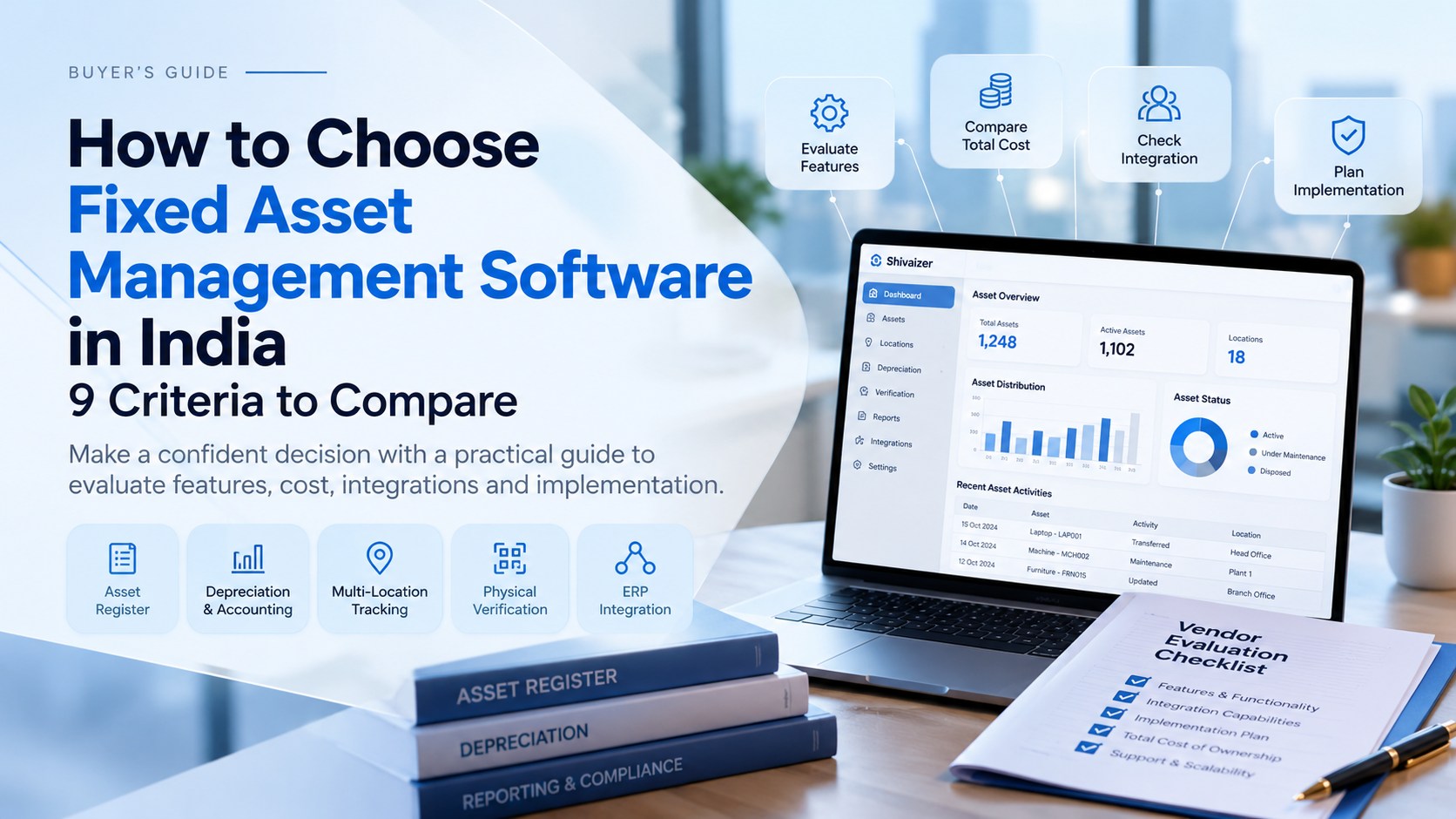
How to Choose Fixed Asset Management Software in India: 9 Criteria to Compare
Choosing fixed asset management software in India requires more than comparing feature lists. Finance teams need to validate depreciation and reporting requirements, while operations teams may need asset tracking, physical verification and transfer records. The right solution depends on how well it fits your business processes, existing ERP environment, implementation requirements and budget.
Before shortlisting vendors, evaluate these nine criteria to understand which solution meets your requirements and what you should verify during a product demonstration.
1. Can the Software Maintain Your Required Fixed Asset Register?
A fixed asset register should provide a reliable record of the assets your business owns and manages. Before selecting fixed asset register software, identify the information your finance and operations teams need to maintain.
Evaluate whether the system can record asset identification, category, purchase date, acquisition cost, location, assigned department, status and relevant supporting documents. Also check how asset records are updated when an asset moves, changes ownership internally or is disposed of.
What to verify: Ask the vendor to demonstrate how an asset is created, updated, transferred and retrieved. Confirm which fields are available by default and which require configuration.
Decision point: Choose a solution that supports your required asset records without introducing unnecessary manual work or duplicate data entry.
2. Does It Support Your Depreciation and Accounting Requirements?
For finance teams, depreciation is often one of the most important considerations when evaluating fixed asset management software. Different businesses may have different requirements for useful life, residual value, depreciation methods, reporting periods and disposal accounting.
Ask vendors to explain which depreciation methods and accounting workflows their software supports. Confirm how depreciation calculations are reviewed, how changes to asset information are handled and whether the required reports can be generated.
For businesses in India, verify compatibility with your applicable accounting policies and tax requirements rather than assuming that every product supports every statutory treatment.
What to verify: Request a demonstration using a representative asset and ask the vendor to show the depreciation calculation, relevant reports and treatment of changes or disposal.
Decision point: The software should support your documented financial requirements, with any limitations or additional configuration clearly identified.
3. Can You Track Assets Across Multiple Locations?
Businesses operating across branches, factories, warehouses or project sites need a consistent way to maintain asset locations and transfer records. A system that records only the original asset location may not be sufficient when equipment moves between departments or facilities.
When comparing multi-location asset tracking software, check whether the solution supports location-wise records, transfers, assigned departments or custodians, and movement history. Confirm whether location-based reporting and access permissions are available where required.
Remember that record-based tracking is different from GPS or real-time tracking. If you need live location data, ask the vendor to confirm that capability separately.
What to verify: Ask the vendor to demonstrate a transfer between two locations and show how the updated record and transfer history can be reviewed.
Decision point: The system should match the level of location visibility and accountability your operations actually require.
4. How Does It Support Physical Asset Verification?
The accuracy of an asset register needs to be checked against physical assets. Physical verification processes help businesses identify missing records, incorrect locations, duplicate entries and differences between recorded and observed information.
Depending on the product, fixed asset physical verification software may support barcode labels, QR code identification, scanning workflows and discrepancy reporting. Evaluate the complete process instead of checking only whether a product mentions barcode or QR support.
What to verify: Ask the vendor to demonstrate how an asset is identified, how its recorded details are checked, how discrepancies are recorded and how verification results are reconciled with the asset register.
Decision point: Select a workflow that meets your verification requirements and makes discrepancies easier to investigate.
5. Will It Work With Your Existing ERP and Finance Systems?
Asset information often connects with purchasing, accounting and financial reporting. When systems do not exchange the necessary data, teams may need to enter information repeatedly or reconcile separate records.
Before purchasing fixed asset management ERP software, establish which integrations your business actually needs. Ask whether the connection is native, configurable or based on manual imports and exports. Confirm which records are exchanged, how updates are handled and who maintains the integration.
Relevant workflows may include asset acquisition, capitalization, depreciation information, disposals and financial reporting, depending on your requirements and the product’s capabilities.
What to verify: Ask the vendor to explain the data flow between the proposed solution and your existing ERP or accounting system. Request a clear description of integration scope and limitations.
Decision point: The chosen solution should fit your current systems and avoid unnecessary integration complexity.
6. Does the Solution Fit Your Industry and Asset Types?
Asset-management requirements vary by industry. A manufacturing plant may prioritize machinery records, while a construction company may need visibility into equipment used across project sites.
Use your own workflows to evaluate whether a vendor’s solution fits your business.
- Manufacturing: Machinery, production equipment, plant assets and transfers between facilities.
- Construction: Equipment and tools used across project sites, with relevant assignment and movement records.
- Distribution and warehousing: Business assets across warehouses, branches and operational facilities.
- Logistics: Operational assets across locations, distinct from specialist fleet or vehicle tracking.
- Corporate offices: Computers, furniture and other assets assigned to departments or employees.
What to verify: Ask the vendor to demonstrate a workflow relevant to your industry, using representative asset types and locations.
Decision point: Prefer demonstrated product fit over broad industry claims. Confirm any specialized requirements before committing.
7. Are the Required Reports, Controls and Audit Records Available?
A software purchase should be evaluated against the records your finance, operations and audit teams need to review. Reporting requirements may include asset registers, location-wise reports, depreciation information, transfer history and disposal records.
Access controls and approval workflows may also matter. Determine whether the system can restrict relevant actions by role and whether it retains the change history or approval information your business requires.
What to verify: Ask the vendor to generate a relevant report, update an asset record and demonstrate the available permissions, approvals and change history.
Decision point: Confirm that the reports and controls required by your business are actually available in the proposed package.
8. What Is the Total Cost of Ownership?
The quoted software price may not include every cost associated with implementation and ongoing use. Compare the total investment rather than selecting a vendor solely on the initial licence or subscription price.
Ask for a breakdown covering:
- Subscription or licence charges
- Users, asset volumes and required modules
- Configuration and implementation
- Data migration and validation
- Integrations or additional development
- Training, support and future expansion
Compare quotations using the same scope so that you can distinguish essential costs from optional services.
What to verify: Request a written quotation that separates one-time charges, recurring fees, optional services and potential additional costs.
Decision point: Choose a solution whose total cost fits your budget and whose capabilities justify the investment.
9. How Will Implementation and Data Migration Be Managed?
Moving from spreadsheets or an existing system involves more than importing an asset list. Records may require cleanup, duplicate resolution, validation and reconciliation before the new system can become the primary source of information.
Ask vendors to explain how they handle existing asset data, historical records, depreciation information, configuration, testing, training and go-live. Clarify which responsibilities belong to your team and which are included in the vendor’s scope.
What to verify: Request an implementation plan with defined responsibilities, data-validation steps, testing requirements, dependencies and acceptance criteria.
Decision point: Choose a vendor whose proposed implementation approach is realistic for your data quality, internal resources and business timelines.
Fixed Asset Management Software vs Asset Tracking Software vs an ERP Module
These options serve overlapping but different needs. The right choice depends on whether your main priority is physical tracking, financial fixed asset management or connected ERP workflows.
| Evaluation area | Asset tracking software | Fixed asset management software | ERP asset module |
|---|---|---|---|
| Physical location and movement | Often a core focus | Depends on product | Depends on module |
| Asset register | Verify available fields | Usually central to the product | Depends on ERP functionality |
| Depreciation and financial records | May be limited | Often a core capability | Depends on finance integration |
| Purchasing and finance workflows | May require integration | May require integration | May connect with other ERP modules |
| Main consideration | Tracking requirements | Financial and operational asset requirements | Fit with existing ERP processes |
Capabilities vary by vendor and package. Use this table to identify what to investigate, not as a substitute for evaluating individual products.
Vendor Evaluation Scorecard: Compare Your Shortlist
Use this scorecard to assess each vendor against the same requirements. Adjust the weightings to reflect your business priorities.
| Evaluation criterion | Suggested weight |
|---|---|
| Asset register and record management | 15% |
| Depreciation and financial requirements | 20% |
| Location tracking and transfers | 15% |
| Physical verification | 10% |
| ERP and accounting integration | 15% |
| Reporting and access controls | 10% |
| Total cost of ownership | 5% |
| Implementation, migration and support | 10% |
| Total | 100% |
Score each vendor from 1 to 5 against each criterion, using 1 for a poor fit and 5 for a strong, demonstrated fit. Record any missing capability, additional cost or configuration requirement alongside the score.
These weightings are an illustrative starting point, not an industry benchmark. A finance-led organization may assign more weight to depreciation, while a multi-location operation may prioritize tracking and verification.
What Should You Ask During a Software Demo?
Before making a purchase decision, ask each shortlisted vendor the same questions:
- Can you demonstrate how our existing asset register would be imported and validated?
- Which depreciation methods and accounting workflows are supported?
- How are location changes, transfers and asset disposals recorded?
- How does physical verification work, including barcode or QR support where available?
- Which reports, permissions and approval records are included?
- What integration options are available for our existing ERP or accounting system?
- What is included in implementation, migration, training and support?
- Which costs are one-time, recurring or optional?
- Can you demonstrate our actual business workflow using representative sample data?
A useful demonstration should prove how the software handles your requirements, not simply display a list of features.
Frequently Asked Questions
How do I choose fixed asset management software in India?
Start by documenting your asset register, depreciation, tracking, verification, reporting, integration and implementation requirements. Compare vendors using the same evaluation criteria and ask each to demonstrate the workflows that matter to your business.
What is the difference between fixed asset management software and asset tracking software?
Fixed asset management software typically focuses on maintaining fixed asset records and supporting financial processes such as depreciation. Asset tracking software emphasizes identification, location, assignment and movement. Some solutions provide both sets of capabilities.
How much does fixed asset management software cost in India?
Pricing depends on users, asset volumes, modules, integrations, implementation, migration, training and support. Request a quotation that clearly separates one-time costs, recurring charges and optional services.
What should I prepare before a software demo?
Prepare a sample asset register, your number of locations, asset categories, depreciation requirements, reporting needs and any ERP integration requirements. This helps vendors demonstrate relevant workflows instead of providing only a generic presentation.
How can I evaluate Shivaizer Asset Management Software?
Document the asset-management requirements your business needs to meet, then request a personalized Shivaizer demonstration. Ask the team to show the relevant product capabilities and clarify any configuration, integration or implementation requirements before making a decision.
Evaluate Shivaizer Against Your Business Requirements
Choosing fixed asset management software is a business decision that should be based on demonstrated capability, financial fit and implementation readiness. A structured evaluation helps your team compare vendors, identify gaps and make a more informed choice.
Explore Shivaizer Asset Management Software to review the product and discuss your asset-management requirements with the team.
Request a Personalized Demo Visit Shivit TechnologiesDiscuss your requirements, confirm relevant capabilities and clarify implementation needs before making a decision.