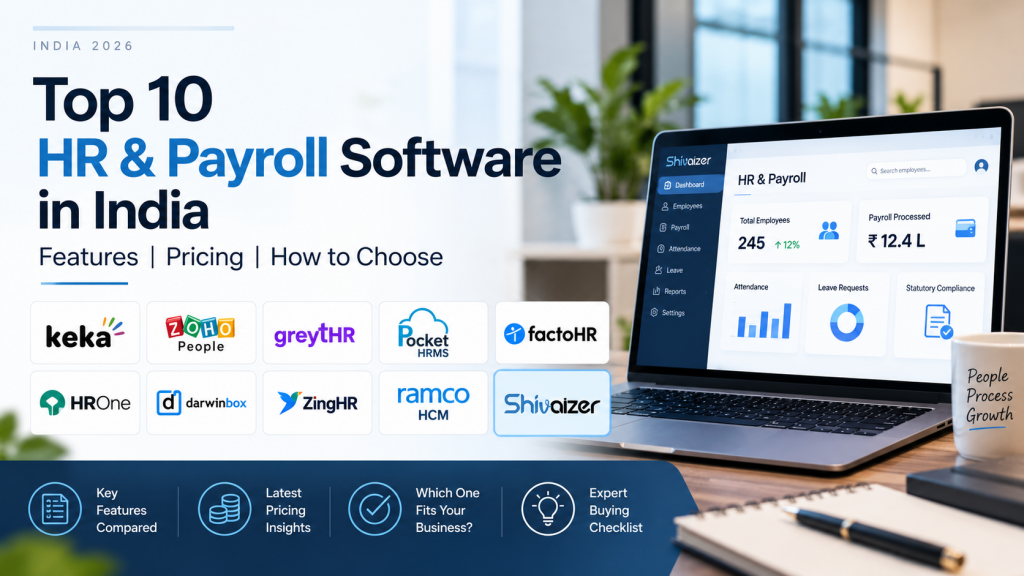
Top 10 HR & Payroll Software in India: Features, Pricing & How to Choose
What is the best HR & payroll software in India?
There is no single best HR and payroll software for every Indian business. Keka, greytHR, Zoho, Pocket HRMS and factoHR are relevant for small and mid-sized businesses, while Darwinbox, ZingHR and Ramco HCM suit larger enterprises. Businesses that want HR and payroll within a broader ERP environment should also evaluate an ERP-connected option such as Shivaizer.
How do the 10 HR payroll software options compare?
| Software | Best for | HR/payroll focus | Pricing |
|---|---|---|---|
| Keka | Growing businesses wanting HR, payroll and performance | HR, payroll and performance in one platform | Pricing varies by plan; confirm current quote |
| Zoho People / Zoho Payroll | Businesses already using the Zoho ecosystem | HR in People; payroll in separate Zoho Payroll | Payroll from ₹1,000/month for 25 employees on the Standard plan; additional employees ₹40 each |
| greytHR | SMBs and mid-market businesses | Core HR and payroll with India statutory focus | Starting ₹2,495/month for up to 50 employees |
| Pocket HRMS | Cost-conscious small teams | HR, attendance and payroll | ₹2,995/month for 50 employees, ₹60 per extra |
| factoHR | Cost-conscious SMEs, SAP users | Payroll, attendance, leave; SAP-listed payroll | Contact vendor |
| HROne | India-focused mid-market | Employee records, leave/attendance, payroll, self-service | Contact vendor |
| Darwinbox | Enterprise HCM, multi-country payroll | Core HR, talent, payroll in India, Southeast Asia, GCC | No published list pricing |
| ZingHR | Compliance-heavy enterprises | HCM suite with payroll and multi-state compliance | Quote-based |
| Ramco HCM | Multi-country payroll | HCM and global payroll across countries | Contact vendor |
| Shivaizer | ERP-connected businesses | HR and payroll within a broader ERP covering finance, purchasing, inventory and production | Custom quote |
What should you check before choosing HR payroll software?
- Statutory payroll: PF, ESI, state-wise professional tax, TDS and Form 16. Ask how legal changes, including the new labour codes, reach your account, and whether updates are billed.
- Attendance-to-payroll flow: Biometric, GPS and shift data should drive loss-of-pay and overtime without re-keying.
- Reporting: Payroll register, statutory returns, department-wise salary cost.
- Finance integration: Are bank files, journals and accounting sync native, API-based or manual exports?
- Multi-location and multi-entity: Separate PF codes, state rules, entity-level reports, and per-entity fees.
- Customisation and scalability: Salary structures, approval chains, contract workers, and pricing if headcount doubles.
How much does payroll software cost in India?
Pricing follows two main patterns. Some vendors charge a base fee that covers a set number of employees plus a per-employee rate for extras, as Zoho Payroll and Pocket HRMS do; greytHR publishes a starting fee for up to 50 employees. Enterprise HCM and ERP vendors quote, and some others ask you to confirm current pricing.
₹1,000 for the first 25 employees + 75 × ₹40, billed annually.
₹2,995 + 50 × ₹60.
That is arithmetic on published rates before GST, and the scope differs, so compare inclusions, not sticker price.
Ask what is excluded:
- GST
- Implementation and data migration
- Add-on modules
- Extra legal entities
- Biometric integration
- Premium support
For ERP-based options, compare the combined cost of your current HRMS, accounting tool and the connectors between them. See our ERP software cost in India guide for a broader view of ERP pricing and implementation costs.
How long does implementation take?
Timelines depend on data quality, number of entities and integrations, so treat any universal “go-live in X weeks” claim with caution. Ask each vendor for a written plan covering data migration, a parallel payroll run, named support contacts and who resolves a statutory error during payroll week.
Which HR & payroll software is best for different business needs?
These are fit labels, not rankings.
How should you test payroll software before buying?
Give every shortlisted vendor the same task. Use your real attendance file, your actual salary structures and one month of data, then follow it through to payslips, bank file and finance entries. Three checks catch most problems:
Reconcile net pay line by line against your current process. Differences usually come from salary-structure rules, such as how loss-of-pay days are counted, rather than from the software.
Late leave approvals and regularisations are a common cause of payroll reruns, so check how the system locks inputs.
Decide how salary expense by cost centre, PF/ESI/TDS payables and net pay land in your books. For multi-site firms, confirm each employee maps to the right PF/ESI establishment and state professional-tax slab.
When does an ERP-connected HR & payroll system make sense?
Shivaizer is worth considering when payroll is not an isolated HR process but part of a wider business workflow. For businesses where employee costs need to be viewed alongside finance, purchasing, inventory, production or multiple locations, an ERP-connected HR and payroll system can reduce the need to move data between separate applications.
Shivaizer is designed for businesses that want HR and payroll within a broader ERP environment covering finance, purchasing, inventory and production. That suits manufacturers, contractors, staffing firms and multi-site businesses.
It is less suited to firms wanting only a standalone HRMS with deep talent modules. Pricing is quoted per requirement. If your shortlist includes an ERP-connected option , book an HR & payroll demo and bring your attendance file and salary structure.